Vietnam visa photo generator
Take or choose a photo, place your head between the two guide lines, then download the e-visa file or the photos to print (portal rules checked on October 23, 2026).
- Required
- : JPEG, 4 × 6 cm, under 2 MB
- Our file
- : 945 × 1,417 px, under 1 MB, to pass every version of the portal
- Your photo
- Framing
- Check and download
Drop a photo here
JPEG, PNG or WebP. HEIC (iPhone): opens on iPhone and in Safari on Mac; in Chrome, Firefox or Edge on a computer, convert it to JPEG first.
📱 Best: continue on your phone
Scan this code with your phone's camera: this page opens on it. Ask someone to take your photo, 1.5 m away, in front of a light wall.
A webcam often gives a photo that is too close, from below and badly lit: keep it as a fallback. It opens with the guide on screen and a 3-second countdown.
For a photo that is accepted
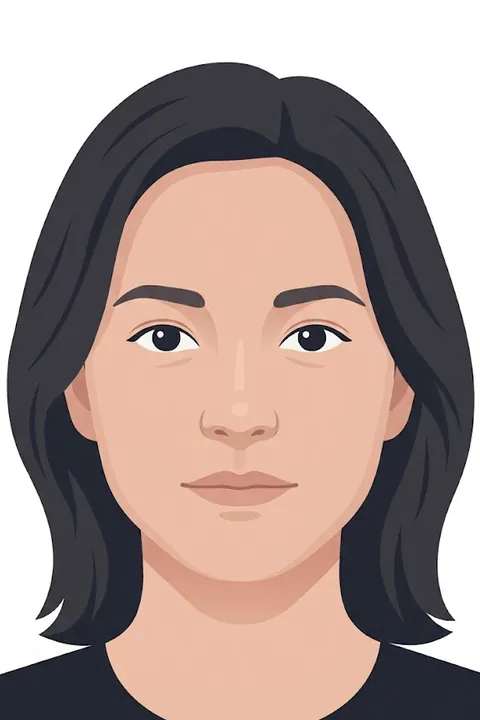
- Plain white or very light wall
- Face the light, no shadows on the face
- Look straight at the lens, mouth closed
- Camera at eye level, 1 to 1.5 m away
- Glasses, hat or headphones
- Close-up selfie (it distorts the face)
- Filters or retouching
Framing, checks and downloads happen in your browser, and the location and camera data are removed from the downloaded file.
All the visa photo requirements, with their sources
Questions about the generator
Is my photo uploaded to a server?
Not unless you ask for it. Framing, checks and downloads run entirely in your browser, and the location and camera data are removed from the downloaded file. Only the “Make the background white” button, if you use it, sends the framed photo (not the original file) to Cloudflare, our host, which replaces the background and sends it back: nothing is stored or logged.
Can I use my iPhone photo (HEIC)?
On iPhone, yes, whatever the browser, and in Safari on Mac: the generator opens it and downloads a JPEG, the only format the portal accepts along with JPG. Chrome, Firefox and Edge on a computer cannot open HEIC: convert the photo to JPEG first, or set the iPhone to Settings › Camera › Formats › “Most Compatible”.
How do I print my 4 × 6 cm photos?
Two ways. At home: download the A4 PDF (8 photos of 4 × 6 cm) and print it at 100 % (“actual size”), with no “fit to page”, on photo paper; the printed check ruler must measure exactly 5 cm. At a photo kiosk or lab: download the 10 × 15 cm sheet (4 photos) and print it as an ordinary 10 × 15 cm (4 × 6 in) photo, at 100 %. Then cut along the marks.
Is this an official tool?
No. Vietnam Tourism is an independent site, not affiliated with the Vietnamese government. The tool only prepares your photo; you apply yourself on the official portal evisa.gov.vn, the only place to submit an e-visa application.
Independent site, not affiliated with the Vietnamese government. Rules read on the official portal and in official documents on October 23, 2026; they can change. Always follow the instructions shown on evisa.gov.vn when you apply.